32.3 Million WhatsApp Users in Malaysia Face Malware Hidden in Fake Files
Malaysian Cyber Consumer Association president Siraj Jalil says malware disguised as documents on WhatsApp can put banking data at risk for 32.3 million users.
What happened1/6 Malware hides in WhatsApp files that look like normal documents
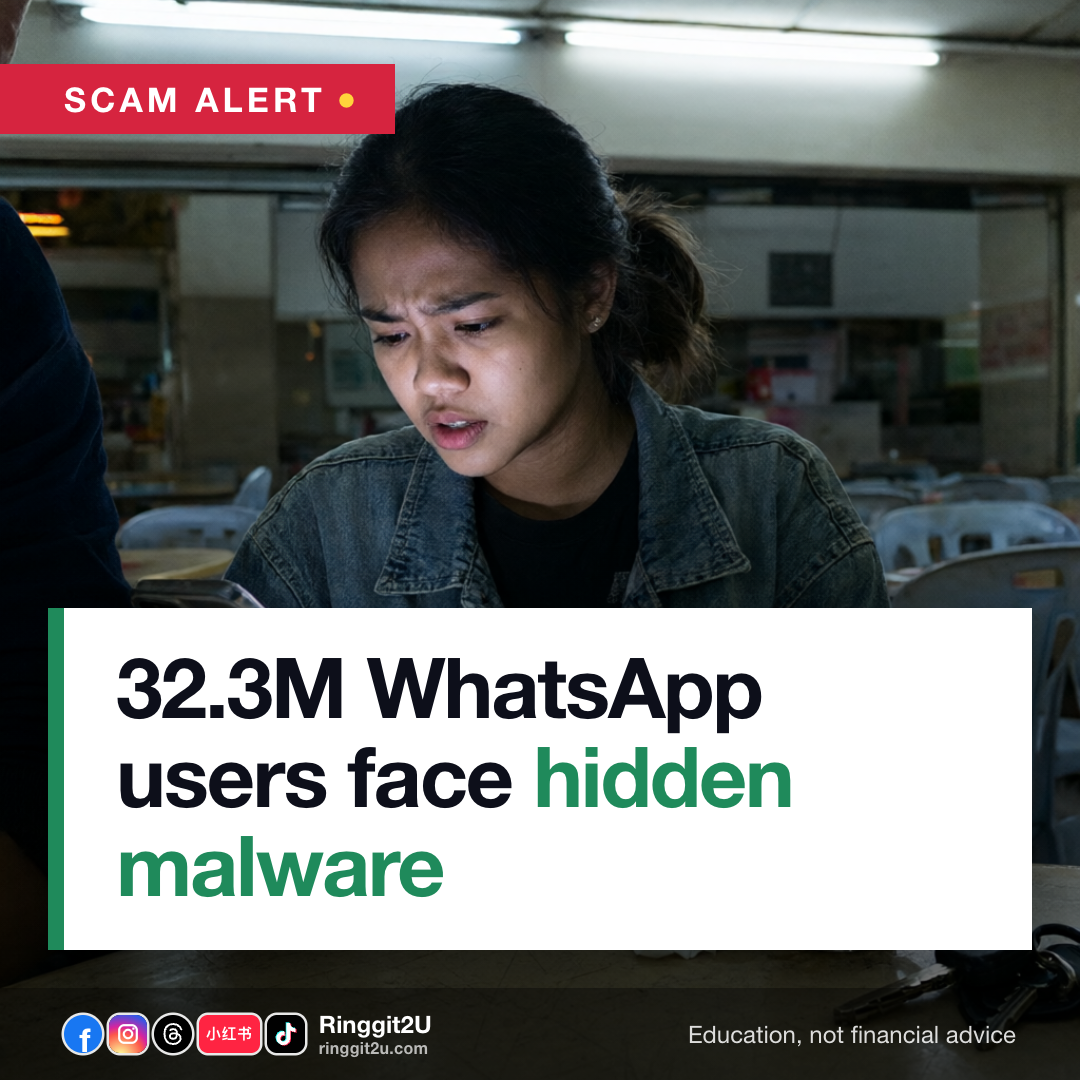
An estimated 32.3 million WhatsApp users in Malaysia could be exposed to cyberattacks involving malicious files designed to infiltrate smartphones, steal personal information and gain access to financial accounts.
The files may appear to be ordinary documents or application downloads, but can contain Android application package (APK) files, Trojan malware or spyware capable of compromising a device without the user's knowledge.
The warning came from Malaysian Cyber Consumer Association (MCCA) president Siraj Jalil in an interview with Utusan Malaysia. CyberSecurity Malaysia has also issued warnings about suspicious files received through WhatsApp.
The real numbers2/6 The scale and the tools cybercriminals use
32.3 millionWhatsApp users in Malaysia at risk3 malware typesAPK files, Trojans, spywareSiraj said the widespread use of WhatsApp makes it an attractive target. Cybercriminals exploit users' trust in messages and files received from familiar contacts.
The malware types he named are APK files, Trojan software and spyware. Once installed, they can extract stored data or monitor phone activity in the background.
- 01/02
32.3 million WhatsApp users in Malaysia at risk The scale and the tools cybercriminals use WhatsApp users in Malaysia at risk
How it affects your wallet3/6 What the malware steals from your phone and bank account
Siraj said cybercriminals are after information that lets them access financial accounts, including one-time passwords (OTPs) and transaction authorisation codes (TACs).
They also target the WhatsApp app itself. Once they gain control of an account, they can use it to scam people in the victim's contact list.
Beyond banking data, the malware can extract phone numbers, personal documents, photographs, files and notes stored on the phone, then sell the data in bulk on the dark web.
Why it matters4/6 Why you trust the file that infects your phone
Siraj shared a personal example: he received a file from a number saved in his contacts. The WhatsApp profile picture belonged to someone he knew, but the file did not seem like something that person would share. He deleted it without opening.
The number may no longer be in active use by that person, which is why the file did not match what they would normally send.
Infected files spread fast when unsuspecting users forward them to family members or WhatsApp groups. One click from one person in a large WhatsApp group can spread the file to dozens of devices quickly.
- 02/02
The scale and the tools cybercriminals use ✓APK files, Trojans, spyware 3 malware types APK files, Trojans, spyware
What to do, step by step5/6 Lock down your WhatsApp before the next file lands
Siraj urged users to take basic precautions rather than panic. These are the steps he recommended:
- Open WhatsApp > Settings > Storage and Data > turn off auto-download for photos, videos, documents and audio. Files will only download when you tap them.
- Go to Settings > Account > Two-step verification and set a PIN for two-step verification. Add an email address for account recovery.
- On supported phones, enable passkeys or biometric authentication (fingerprint / face unlock) for WhatsApp.
- Install an authentication app such as Google Authenticator for extra account protection where available.
- If a file arrives from a familiar profile but the content feels wrong, do not open it. Call the person on a different channel to confirm before tapping anything.
Worth knowing6/6 If you already opened a suspicious file, act fast
Call the National Scam Response Centre (NSRC) at 997 immediately and contact your bank. The faster you report, the better the chance of freezing money before it leaves your account.
Questions people ask
How do I tell if a WhatsApp file is malware?
Siraj's rule: if the profile picture matches someone you know but the file does not look like something they would send, do not open it. The number may no longer be in active use by that person. Call the person on a phone line to confirm.
What should I do if I already opened a suspicious file?
Call NSRC at 997 and your bank immediately. Then, if you are unsure what to do next, call CyberSecurity Malaysia's helpline or check their official advisories for device-recovery steps.
Does CyberSecurity Malaysia issue alerts about WhatsApp threats?
Yes. Siraj confirmed CyberSecurity Malaysia has issued warnings about the risks of receiving suspicious files through WhatsApp. Check their official channels for the latest advisories.
Source: Bank Negara MalaysiaThe Vibes